Mobile & Web App
Your dream pool, visualized in seconds
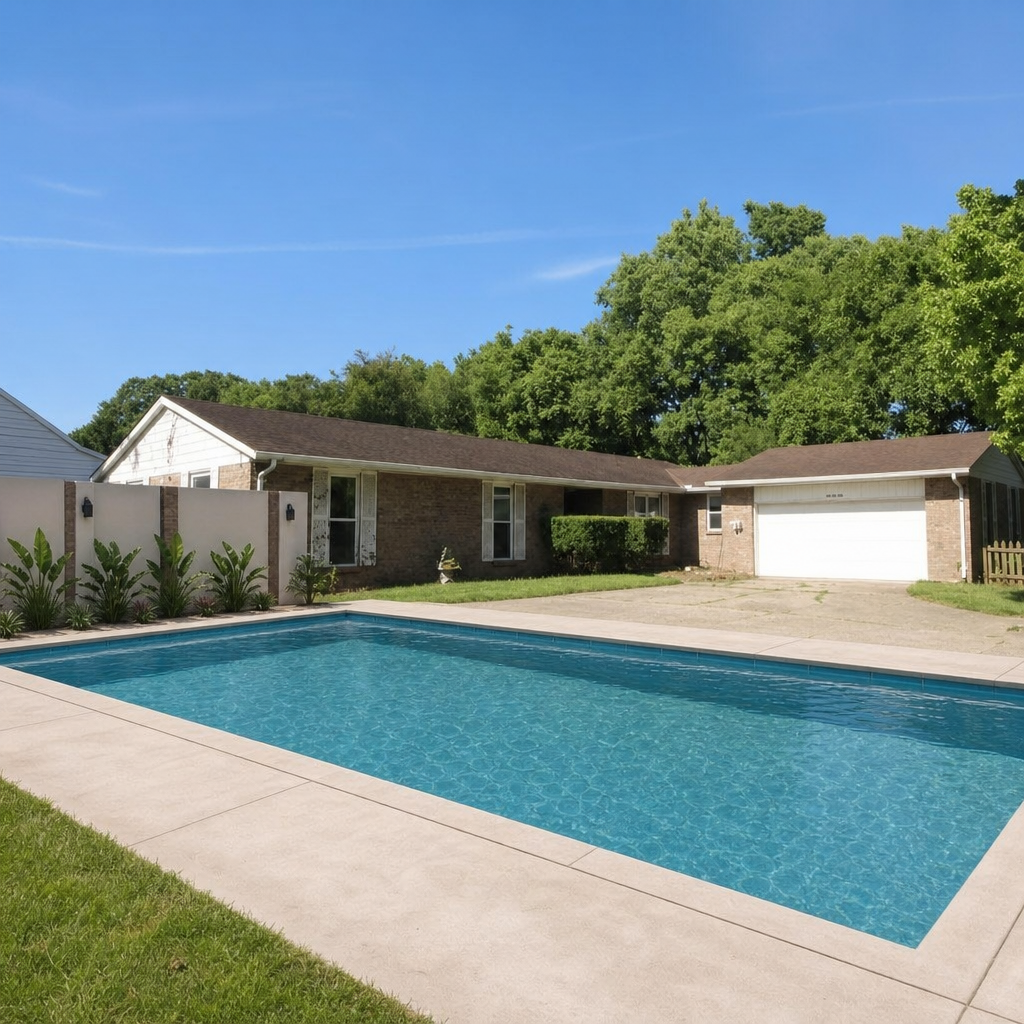
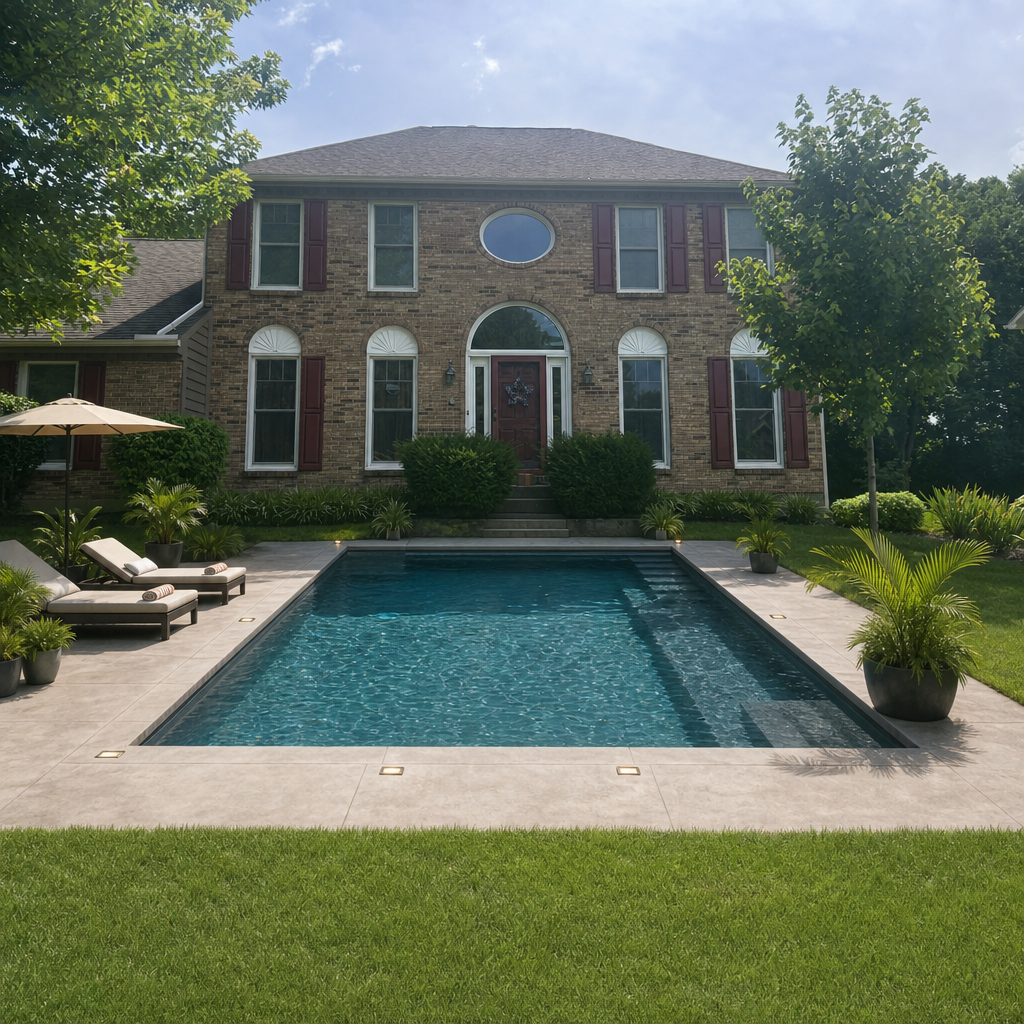
Upload a photo of your backyard, pick a style, choose your features, and watch AI render a photorealistic pool in under 60 seconds. Available on Android and web, with iOS coming soon.
No account needed · First renders free
How It Works
Five steps from backyard photo to pool render
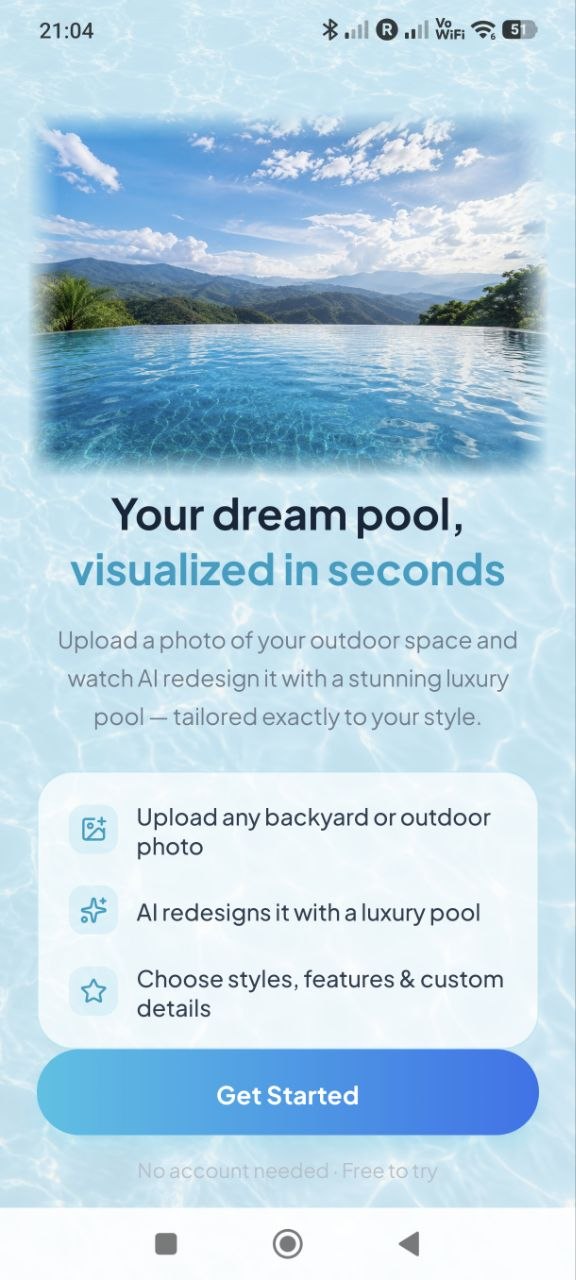
Upload Your Photo
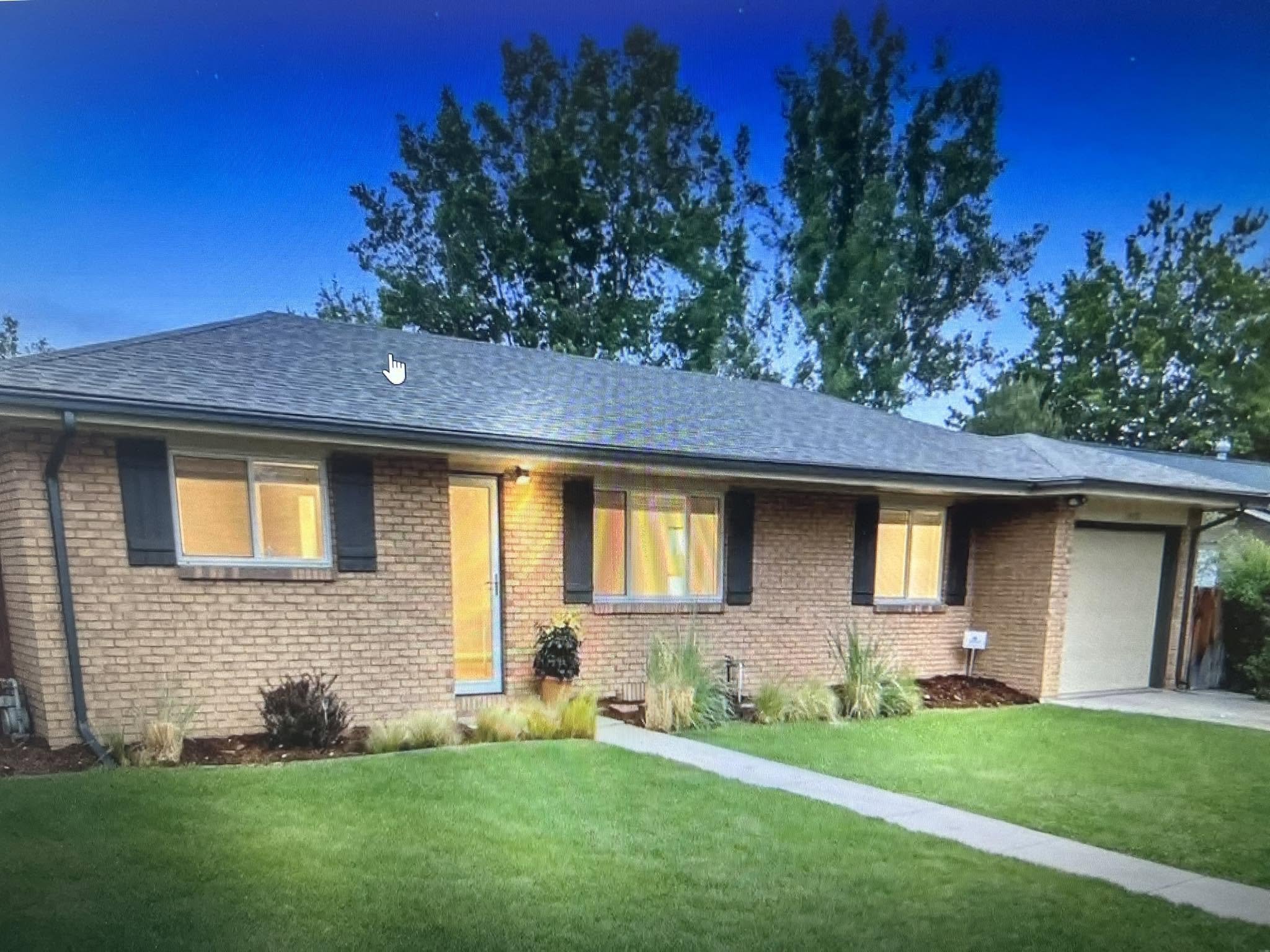
Take a wide shot of your backyard or outdoor space — fences, walls, and garden included. Shoot from a distance so the full yard is in frame. You can pull from your gallery or snap a new photo directly in the app.
Works with any backyard, patio, or outdoor area. No special equipment needed.
Choose a Style & Add Features
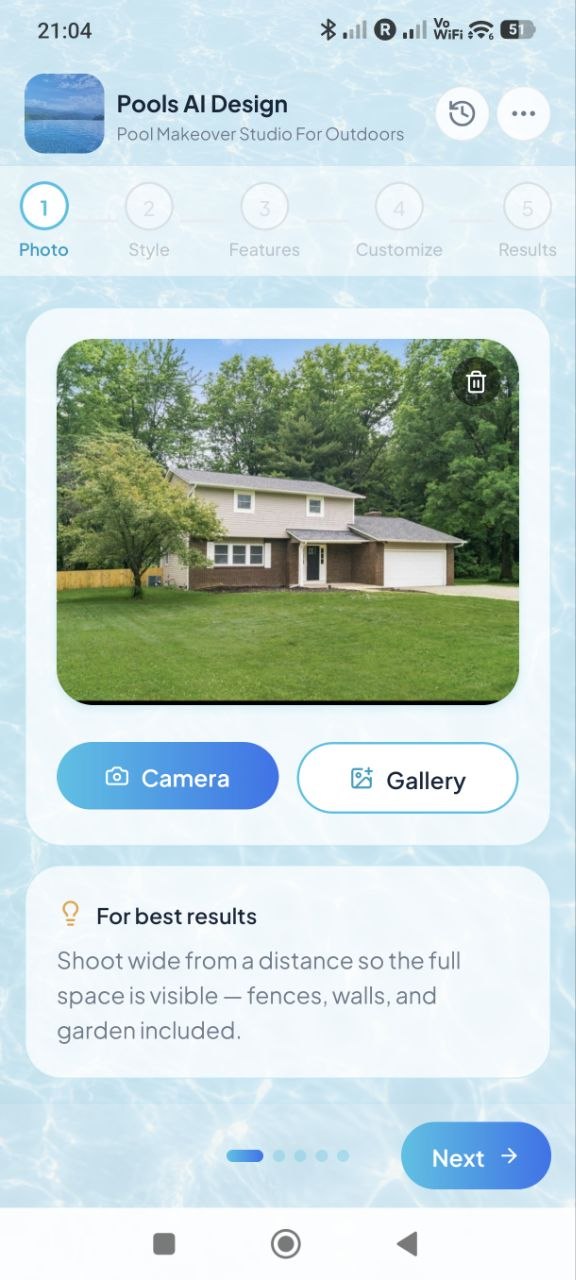
Pick from 16 curated pool styles — from Family Backyard to Resort Infinity. Then select the extras you want rendered into the final image. Every feature gets painted into the result.
Customize with Your Own Words
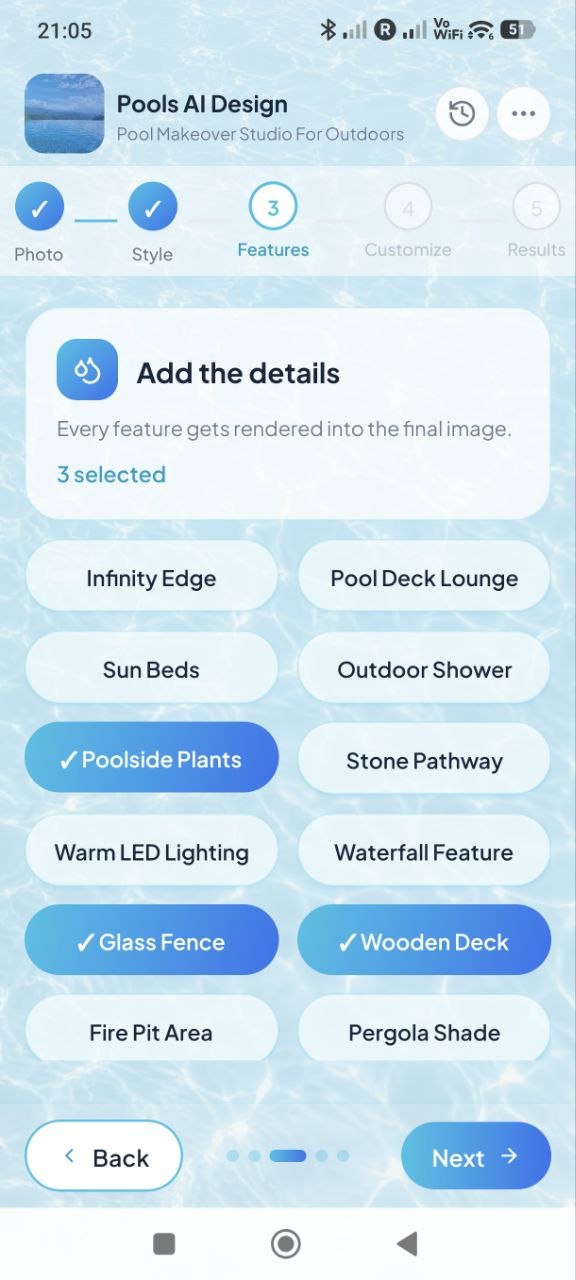
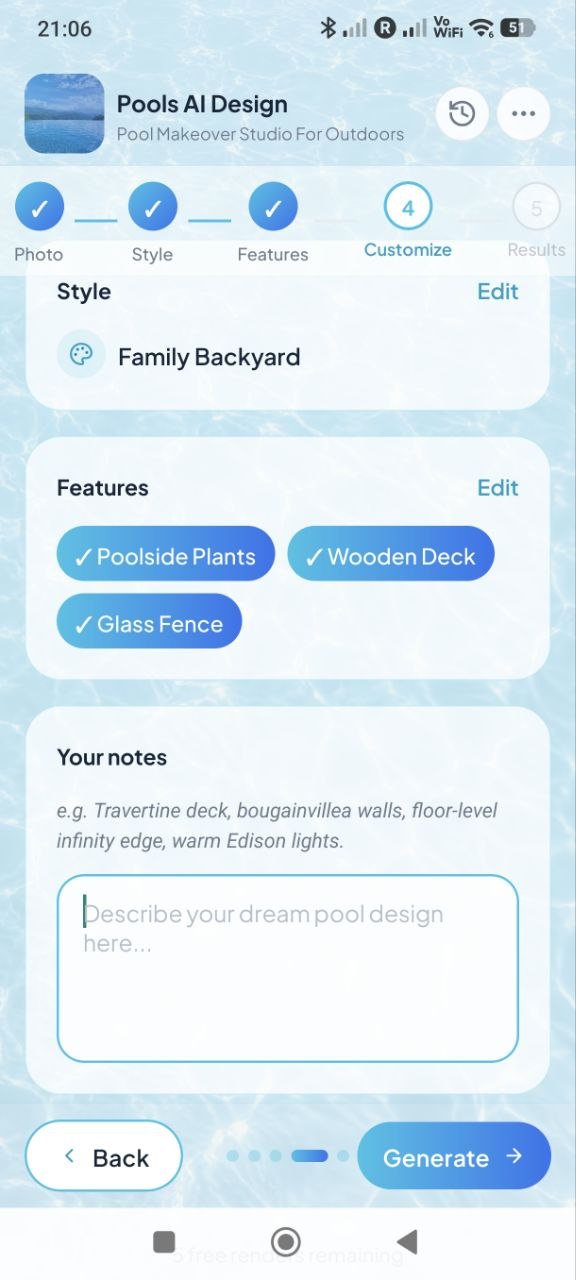
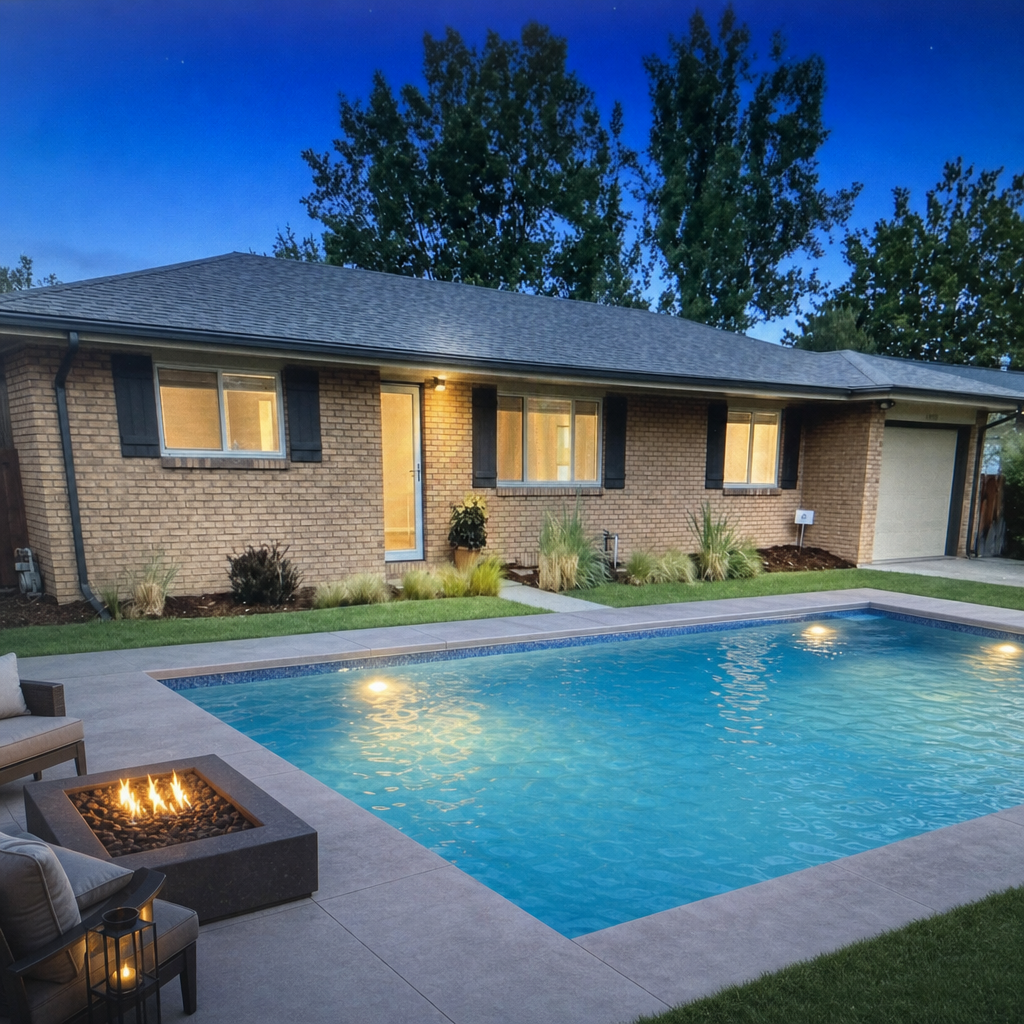
Review your selected style and features, then add a free-text description for details the chips can't cover — travertine deck, bougainvillea walls, floor-level infinity edge, Edison string lights. The AI reads your notes and incorporates them into the render.
See Your Pool — and Share It
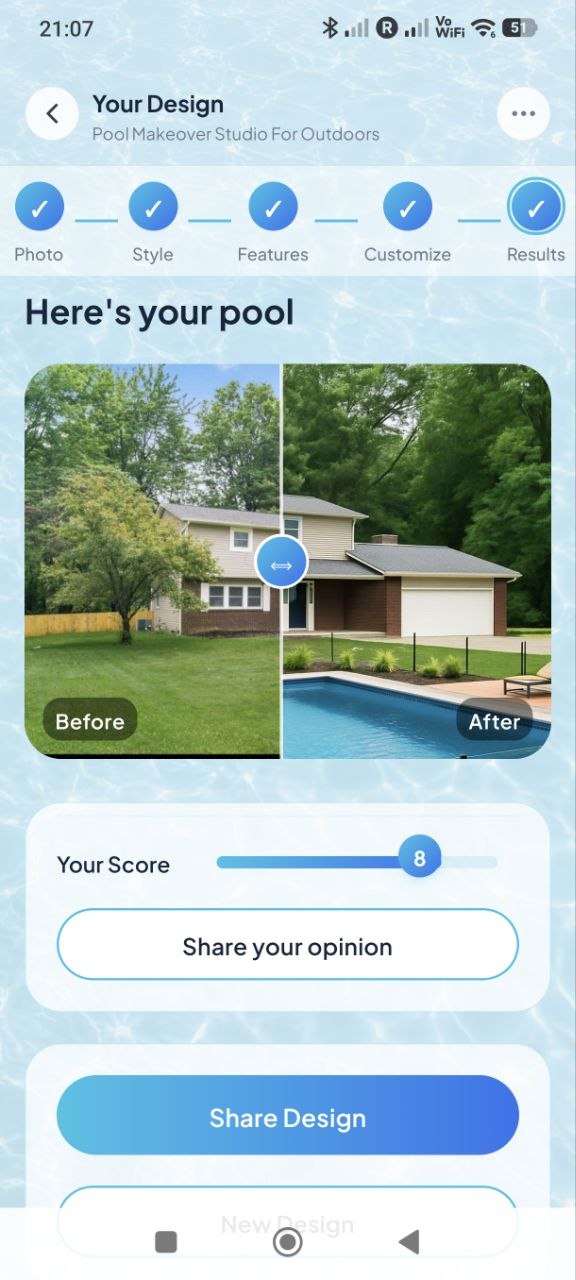
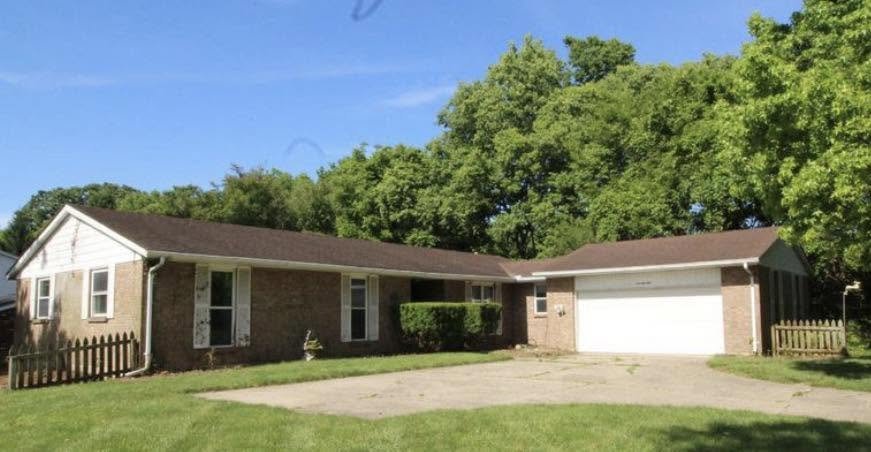
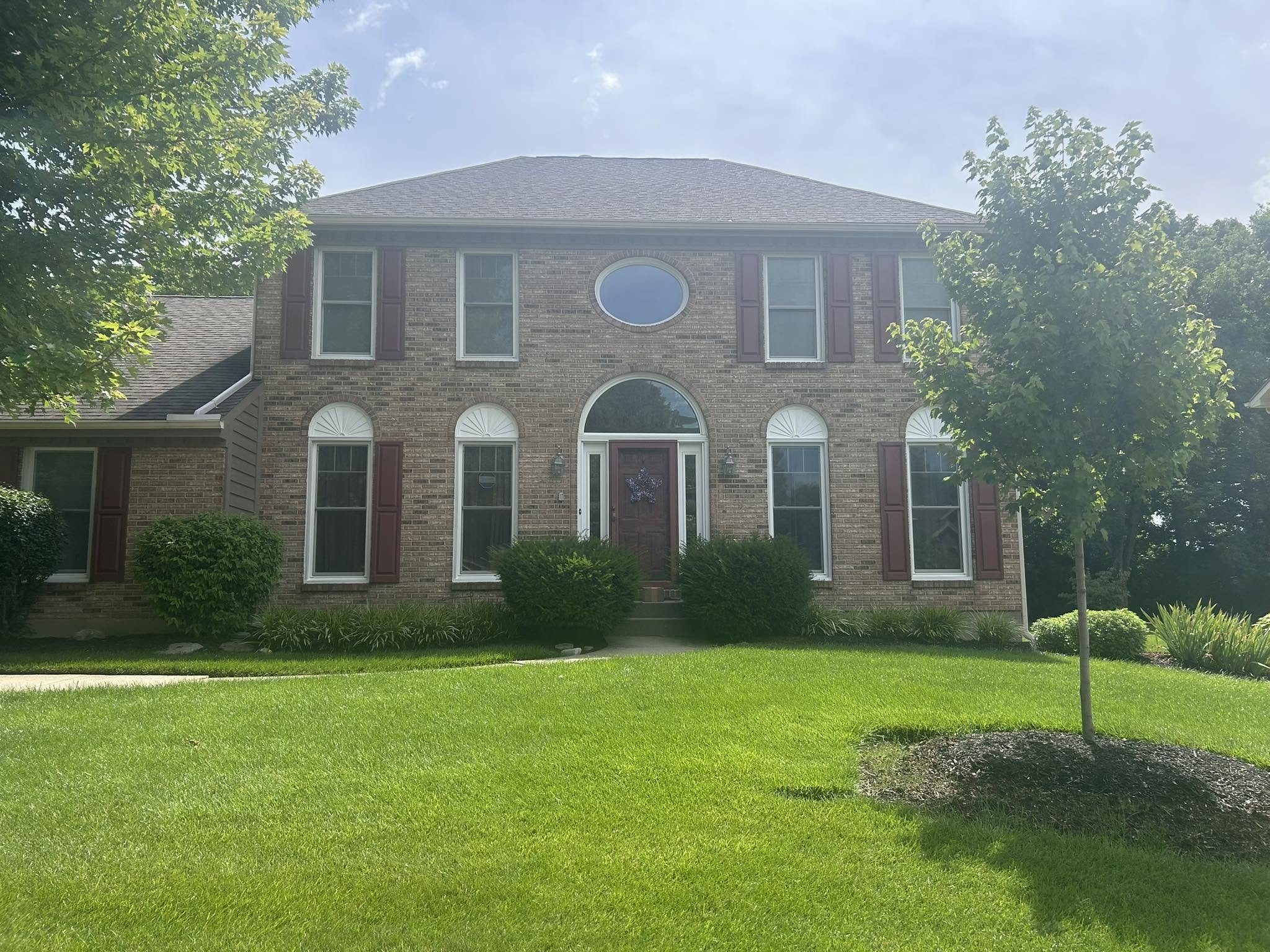
The result screen shows a draggable before/after slider so you can compare the original yard with the AI-rendered pool. Rate the result, then share directly via your phone's native share sheet — text it to your contractor, post it to Instagram, or email it to yourself.
All your past designs are saved in History so you can revisit and share them any time.
What's Included
Everything you need to visualize and sell a pool
Pools AI Design is built for homeowners who want to dream, contractors who need to close, and agents who want to show pool potential in listing photos.
Any Photo Works
Camera roll, new shot, or upload from files. No special equipment or setup required.
16 Pool Styles
Family Backyard, Resort Infinity, Modern Geometric, Tropical Oasis, and more — each with its own aesthetic.
12 Add-On Features
Wooden Deck, Glass Fence, Infinity Edge, Waterfall, LED Lighting, Fire Pit, Pergola Shade, and more.
Free-Text Prompts
Describe any detail not covered by the chips — the AI reads your notes and incorporates them.
Before/After Slider
Drag to compare the original yard with the AI-rendered pool side by side.
One-Tap Share
Share via your phone's native share sheet — Messages, WhatsApp, email, or social in one tap.
Design History
Every render is saved automatically. Browse, re-share, or start a new design from any past result.
Satellite Mode (Web)
On the web app, enter any US address for an aerial satellite render — no photo needed at all.
Under 60 Seconds
Watch the AI work in real time via a live generation log. Most renders complete in under a minute.
Pricing
Start free. Upgrade when you're ready.
No subscription required to get started. Buy render packs when you need them, or go Pro for unlimited use.
- ✓ First renders free
- ✓ All 16 pool styles
- ✓ All add-on features
- ✓ Before/after slider
- ✓ Design history
- ✓ No account needed
- ✓ Unlimited renders
- ✓ All 16 pool styles
- ✓ All add-on features
- ✓ Priority generation
- ✓ Improved image generation quality
- ✓ Full design history
- ✓ Cancel any time
credits
- ✓ 10 renders
- ✓ 50 renders
- ✓ 200 renders
- ✓ No monthly commitment
- ✓ Use at your own pace
FAQ
Common questions
Is the app free to use?
What kind of photo should I take for best results?
How accurate is the AI pool rendering?
Can I use this on a desktop computer?
How long does a pool render take?
See your backyard with a pool — in under 60 seconds
No account needed. No contractor required. Just a photo and a vision.