The best AI pool design tools split into four categories, and the right pick depends on where you are in the sales process. Satellite renderers like USAIPools produce property-specific renders in under 60 seconds starting free; 3D suites like Pool Studio or VizTerra ($200–$400/month) handle post-contract design; general image generators like Midjourney ($10–$60/month) suit inspiration boards; and AR apps remain too limited for polished leave-behinds as of 2026.
The pool design software landscape has split into two very different categories: tools built for the sales and lead phase, and tools built for the design and construction phase. Mixing them up wastes money and time — a $400/month 3D design suite is the wrong tool for a contractor making first contact with a cold lead, and a quick AI render is the wrong tool for engineering a final design.
Here's a hands-on breakdown of every major category of AI pool design software in 2026, with honest assessments of who each tool is actually built for, what it costs, and where it falls short.
TL;DR
For lead generation and property-specific renders: use a satellite-based AI renderer (USAIPools). For post-contract detailed design: use a 3D suite (Pool Studio, VizTerra). For inspiration boards and mood boards: general AI image tools (Midjourney, Adobe Firefly). These aren't competing — they serve different stages of the same sale.
Category 1: Satellite-Based AI Renderers
Satellite-based renderers pull aerial imagery of a real property and use AI to generate a photorealistic pool directly on top of the actual yard. No CAD modeling, no 3D setup, no design appointment — just an address and a result in under 60 seconds.
This is the newest and fastest-growing category, driven by a simple insight: homeowners respond dramatically better to seeing a pool in their specific backyard than to seeing a generic design mockup. A photorealistic render of 42 Maple Street converts far better than a generic pool illustration.
Best for: Pool contractors making first contact with leads, real estate agents presenting pool-potential listings, and homeowners who want a realistic preview before committing to the planning process.
USAIPools
Best for Speed & Sales WorkflowsEnter any US residential address and receive a photorealistic before/after satellite render in under 60 seconds. USAIPools uses Claude Vision to identify optimal pool placement based on actual yard geometry, then renders a pool using advanced inpainting. The result can be emailed directly to the homeowner from inside the tool, making it native to contractor outreach workflows.
- Property-specific (real address)
- Results in under 60 seconds
- Built-in homeowner email delivery
- Free for first 3 addresses
- No design training needed
- US residential addresses only
- Satellite angle only (no ground-level)
- Not a full design tool — no CAD output
Pricing: Free (3 renders) · Contractor $79/mo (50 renders) · Agency $249/mo (unlimited + API) · See plans →

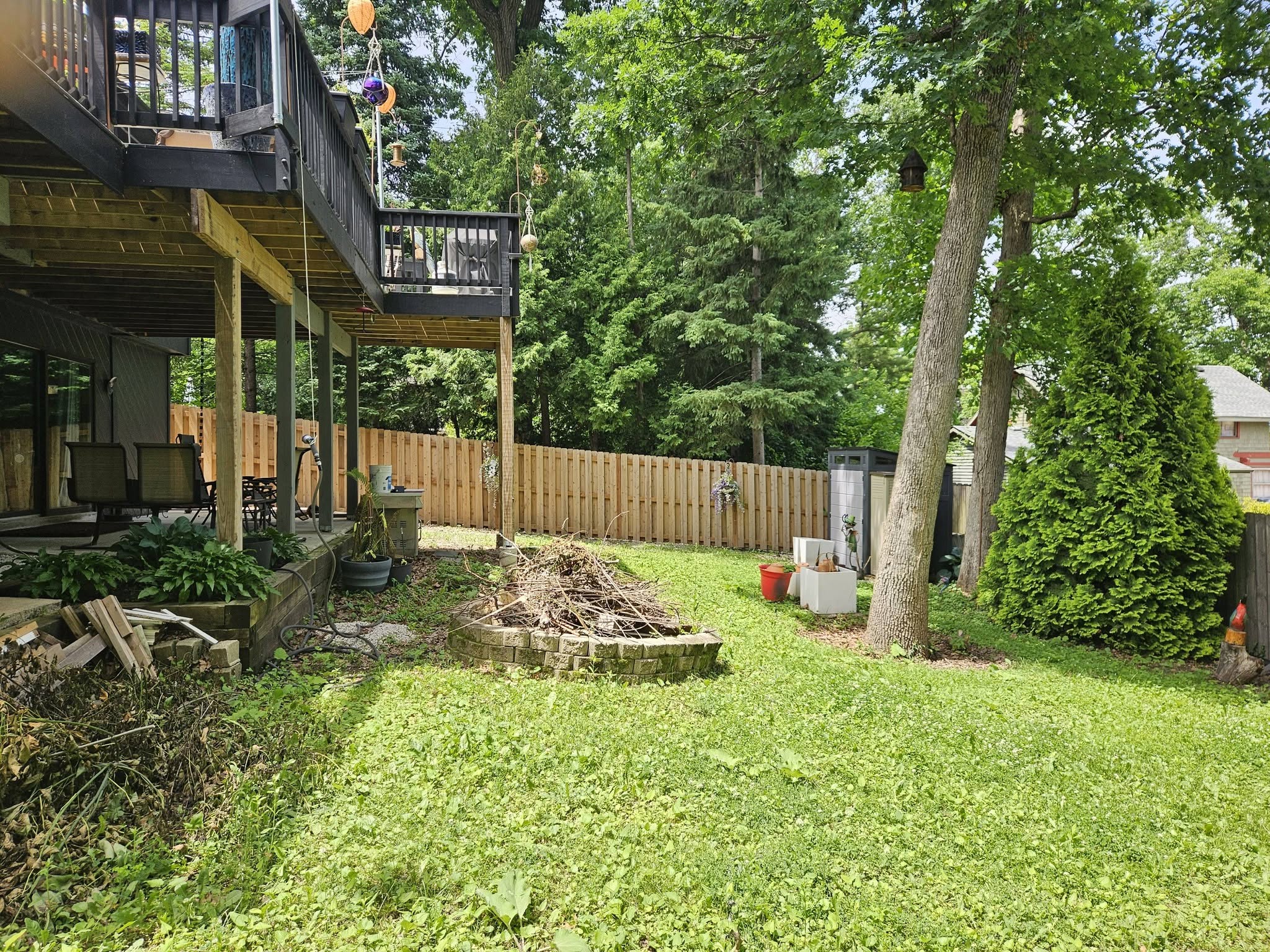
Why property-specific renders outperform generic designs
The research on real estate marketing consistently shows that visualizations anchored to a specific property outperform generic before/after imagery by a wide margin. When a homeowner sees a render of their yard, the mental leap from "this could be nice" to "I want this" is much shorter. Satellite renderers are the only tool category that can deliver this at scale, without requiring a site visit or design appointment for every lead.
Category 2: 3D Pool Design Suites
3D design suites let a trained designer build a complete model of the property from scratch — terrain, landscaping, structures, pool — then render photorealistic walkthroughs, flythroughs, and design documentation. These are the industry standard for the actual design and construction phase once a customer has signed a contract.
Pool Studio / VizTerra (Structure Studios)
Best for Full Design ControlThe dominant professional pool design suite used by builders and designers for detailed project visualization and client presentations. Pool Studio handles outdoor living environments; VizTerra adds comprehensive landscaping. Both produce stunning walkthroughs and construction-ready design documents. The AI-assisted terrain and plant placement features added in recent versions reduce some manual work, but the workflow still requires significant training and hours of setup per property.
- Full design control (finishes, equipment, landscaping)
- Construction-ready output
- Industry-standard client presentation quality
- Walkthrough and flythrough video export
- $200–$400/month subscription
- Days of training to use effectively
- 2–8 hours per design (not suited for lead gen)
- Windows only
Pricing: ~$200–$400/month depending on plan. Annual subscription required.
Realtime Landscaping Architect (Idea Spectrum)
Best Value 3D SuiteA more accessible alternative to Pool Studio for smaller operations. Realtime Landscaping Architect includes pool design, decking, and landscaping in a single package at a fraction of the cost. The rendering quality is lower than Structure Studios products, but for contractors who need basic 3D visualization without the monthly SaaS cost, it's a reasonable option. One-time purchase model, which appeals to smaller shops.
- One-time purchase (no monthly fee)
- Pool + landscaping in one tool
- Lower learning curve than VizTerra
- Decent rendering quality for smaller projects
- Lower rendering quality than Pool Studio
- Windows only
- Still requires hours of setup per property
- Not suited for high-volume workflows
Pricing: ~$100–$200 one-time purchase.
When 3D design suites are the right tool
3D suites are the right investment once a customer has signed a contract. At that point, you need to present detailed design options, finishes, water features, and equipment — and you need output that can feed directly into construction planning. The hours invested in a full 3D design are justified when you know you have the job. They're not justified for cold outreach, where you might create 10 designs and close one.
Category 3: General AI Image Generators
General-purpose AI image tools can produce beautiful pool visualizations — but they cannot render a pool onto a specific real property. They generate based on text prompts or image styles, not street addresses. The results look impressive in demos and are genuinely useful for style exploration and inspiration boards, but they don't show a customer what their actual yard would look like.
Midjourney
Best for Inspiration & Style BoardsThe market-leading AI image generator for photorealistic and stylized visuals. Midjourney excels at producing aspirational pool imagery — a negative-edge infinity pool at dusk, a geometric plunge pool surrounded by native landscaping — that works well for mood boards and style discussions with clients. It cannot anchor renders to a specific property, so results can't be used as property-specific proposals. Access is through Discord or the Midjourney web interface.
- Exceptional image quality and creativity
- Fast (60–90 seconds per render)
- Great for style exploration with clients
- Low cost ($10–$60/month)
- Cannot render onto a real property
- No address input — purely prompt-based
- Results are generic, not property-specific
- Requires prompt engineering skill
Pricing: $10–$60/month depending on usage tier.
Adobe Firefly (Generative Fill)
Best for Image Editing & InpaintingAdobe Firefly's Generative Fill, integrated into Photoshop, lets you select a region of an existing image and generate replacement content. This makes it possible to take a photo of a backyard and fill the yard area with a pool — but it requires a ground-level photo of the property, manual masking in Photoshop, and significant post-processing. The workflow takes 30–60 minutes per image and requires Photoshop proficiency. Useful for design professionals who already live in Adobe tools.
- Works with existing property photos
- Tight Photoshop integration
- High-quality realistic output
- Included in Creative Cloud
- Requires a ground-level photo (no satellite)
- 30–60 min manual workflow per image
- Requires Photoshop proficiency
- Not scalable for high-volume outreach
Pricing: Included in Adobe Creative Cloud ($55/month). Standalone Firefly plan from $5/month with usage limits.
Category 4: Augmented Reality Apps
A handful of apps allow you to point a phone camera at a yard and superimpose a pool using AR. The concept is compelling — you walk a customer around their backyard and they see a pool in the view. In practice, the current generation of pool AR tools has significant limitations: the pool model floats over the yard rather than integrating realistically, field of view is constrained to phone camera angles, and results aren't shareable as a leave-behind.
AR pool visualization tools have improved year over year. The technology has real potential — Apple's Vision Pro and Android's depth-sensing hardware are making spatial anchoring more accurate. But as of 2026, no AR pool design app produces results that can replace either a photorealistic satellite render or a professional 3D walkthrough. Worth watching for 2027.
Full Comparison Table
| Tool | Category | Property-Specific? | Speed | Price | Best For |
|---|---|---|---|---|---|
| USAIPools | Satellite Renderer | Yes (address) | <60 seconds | Free / $79+ /mo | Lead gen, contractor outreach |
| Pool Studio / VizTerra | 3D Design Suite | Yes (manual) | 2–8 hours | $200–$400/mo | Post-contract design |
| Realtime Landscaping Architect | 3D Design Suite | Yes (manual) | 1–4 hours | ~$150 one-time | Small contractors, budget-conscious |
| Midjourney | AI Image Generator | No (prompt only) | 60–90 seconds | $10–$60/mo | Inspiration boards, style exploration |
| Adobe Firefly | AI Image Generator | Yes (ground photo) | 30–60 min | CC plan / $5/mo | Designers with Photoshop skills |
| AR Pool Apps | Augmented Reality | Yes (camera view) | Real-time | Free–$30/mo | In-person demos (not polished enough for leave-behinds) |
How to Choose
The right tool depends on where you are in the sales process and who you're making it for:
If you're a pool contractor
- Cold outreach and new leads: Satellite renderer (USAIPools). Takes 60 seconds, costs less than a dollar per render, and gives the homeowner a reason to call you back. This is the tool that turns cold leads into warm conversations.
- Post-contract design presentation: 3D design suite (Pool Studio or VizTerra). Now that you know you have the job, the hours invested in a full 3D design are worth it.
- Inspiration and finish selection with clients: Midjourney or Adobe Firefly for generating style references during design meetings.
If you're a real estate agent
Satellite renderers are the clear choice. You need property-specific visualization fast, and you don't need CAD-quality output — you need something that shows a buyer what this specific listing could look like with a pool. A USAIPools render sent alongside a listing can meaningfully improve offer interest on pool-ready lots.
If you're a homeowner
Start with a satellite renderer to get a realistic preview before engaging any contractor. It costs nothing for the first render and gives you a concrete image to share with builders when getting quotes. Use Midjourney for style inspiration if you're early in the process and still exploring pool shapes, finishes, and landscape styles.
The contractor playbook that actually works
The contractors who close the most jobs consistently use multiple tools in sequence. A satellite render sent within an hour of a lead coming in sets a professional tone and keeps you top-of-mind while competitors are still calling to schedule a site visit. Once the contract is signed, that quick render gives way to a detailed 3D design. Each tool does what it's best at — the satellite render wins the relationship, the 3D suite wins the design.
Start Closing More Leads
USAIPools generates a photorealistic before/after render on any US address in under 60 seconds. Free for the first 3 addresses — no credit card required.
Try It Free